Mark this lesson as complete
Finish all lessons and pass the quiz to earn your official course completion certificate.

ChatGPT / Google Gemini

Video Module 4: HANDS-ON AI TOOLS (NO-CODE, STUDENT-FRIENDLY)

ChatGPT / Google Gemini

ChatGPTGitHub - mantreshkhurana/ChatGPT-electron: An unofficial desktop app for  ChatGPT, supports all desktop platforms including Windows, Linux & macOS.
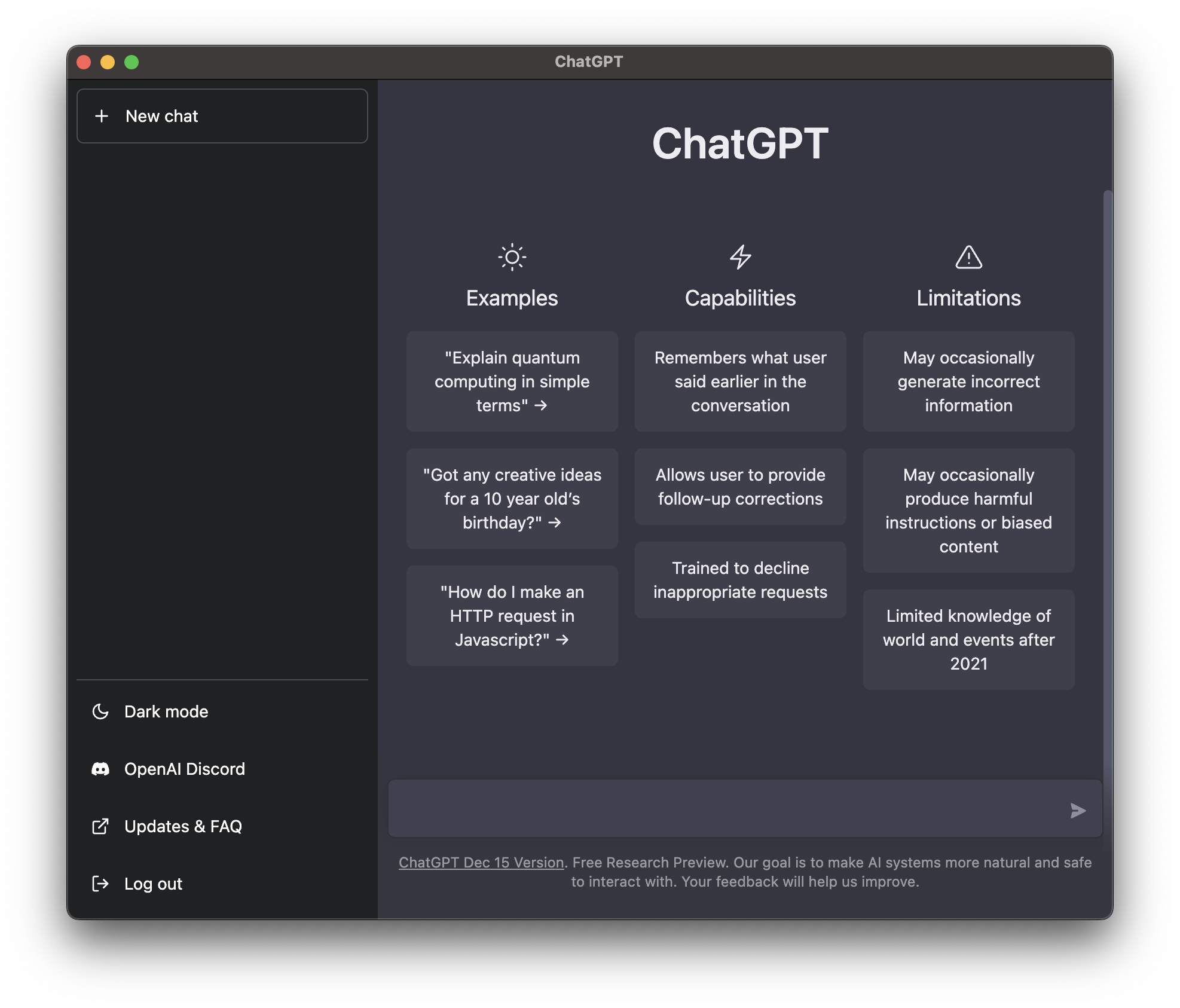
OpenAI’s ChatGPT is one of the most widely used no-code AI tools for students. It works through simple text prompts, no programming required.

  • What students can do with it:
    • Ask questions and get explanations
    • Summarize long texts
    • Generate essays, outlines, and study notes
    • Practice languages and grammar
    • Create quiz questions
    • Brainstorm project ideas
    • Get step-by-step problem breakdowns (math, science, coding logic)
  • Hands-on student activities:
    • Prompt it to explain a topic at 3 difficulty levels
    • Turn a chapter into flashcards
    • Generate practice test questions
    • Rewrite a paragraph in simpler language
    • Create a debate script on a topic
  • Why it’s student-friendly:
    • Chat interface
    • Natural language input
    • Works on phone or laptop
    • Fast feedback loop for learning

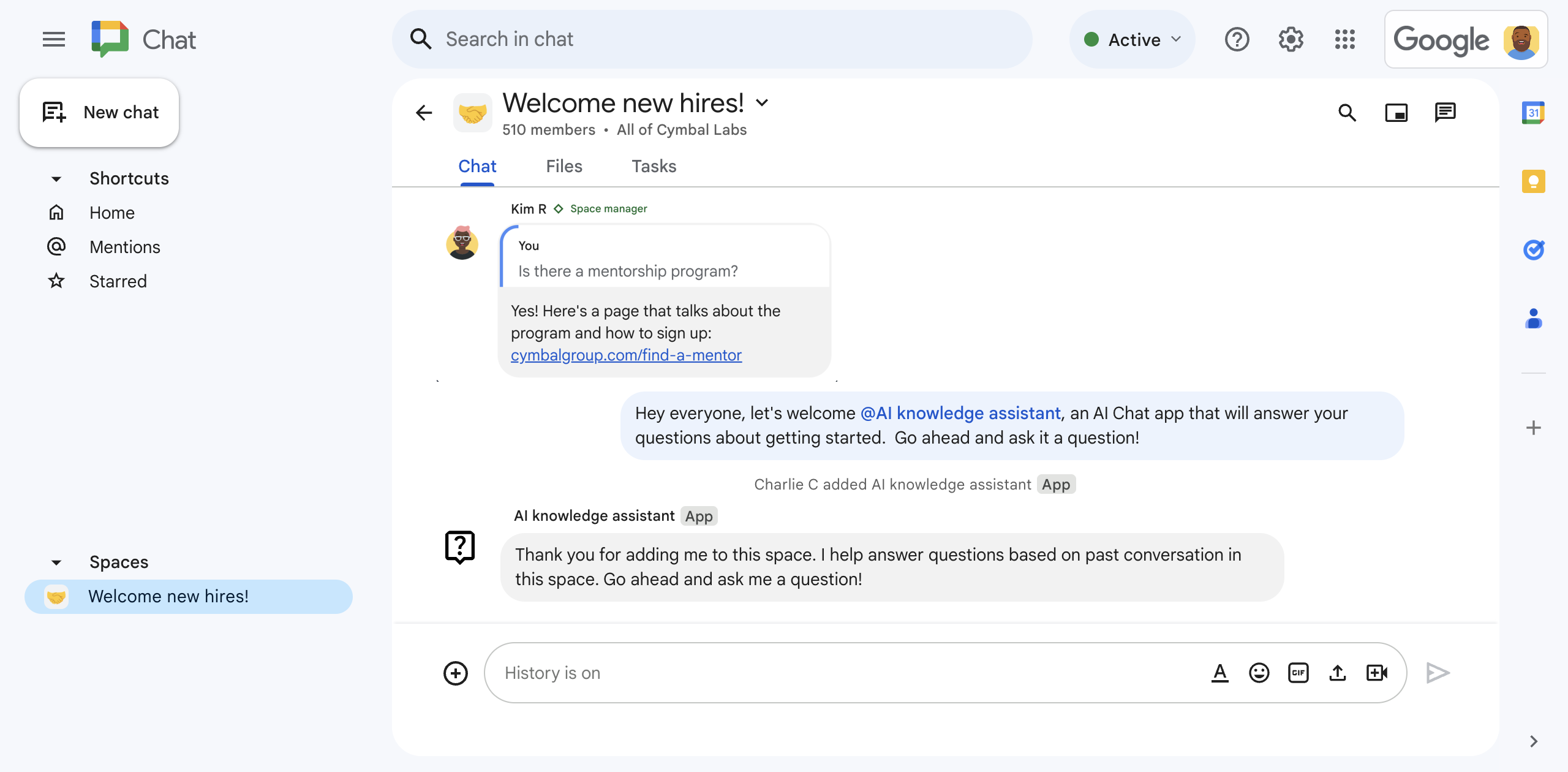
Google GeminiMit einer Gemini AI-Chat-App Fragen basierend auf Chat-Unterhaltungen  beantworten | Google Workspace Add-ons | Google for Developers

Google’s Google Gemini is another no-code AI assistant designed for everyday users and students, integrated with Google tools.

  • What students can do with it:
    • Research topics quickly
    • Generate summaries
    • Draft emails and assignments
    • Explain diagrams and images
    • Help with homework questions
    • Create presentations and outlines
    • Assist with spreadsheets and documents
  • Hands-on student activities:
    • Upload notes → ask for summary
    • Ask it to build a study timetable
    • Generate project ideas with constraints
    • Turn bullet points into a speech
    • Compare two historical events in a table
  • Why it’s student-friendly:
    • Works inside Google ecosystem
    • Supports text + images
    • Simple chat prompts
    • No coding required

Easy Classroom Practice Prompts:- Students can try these directly in either tool:

  • “Explain photosynthesis like I’m 12 years old.”
  • “Turn these notes into a quiz.”
  • “Summarize this article in 5 bullet points.”
  • “Create a 1-minute speech on climate change.”
  • “Give me 3 project ideas using AI in daily life.”
  • “Rewrite this paragraph to sound more formal.”
Course Content

Recommended Courses

Digital Literacy 1 MONTHS
Beginner

₹0.00

Digital Literacy

Digital literacy is the ability to use digital devices, the internet, and online tools safely and ef...

Employability Skills 1 MONTHS
Beginner

₹0.00

Employability Skills

Employability skills are the basic skills and qualities needed to get and succeed in a job. They inc...

ANGREJI KA BHOOT 3 MONTHS
Beginner

₹0.00

ANGREJI KA BHOOT

“Angreji Ka Bhoot” is a fun and learning-based concept that shows the fear of English is just a mind...

Basic English Course 3 MONTHS
Beginner

₹0.00

Basic English Course

A Basic English Course helps beginners learn essential grammar, vocabulary, and communication skills...

Interview Tips and Preparation 1 MONTHS
Beginner

₹0.00

Interview Tips and Preparation

Prepare smartly for interviews by researching the company, understanding the job role, and practicin...

Retail Management Course 3 MONTHS
Beginner

₹0.00

Retail Management Course

A Retail Management Course is a practical, skill-based program designed to prepare students for a su...