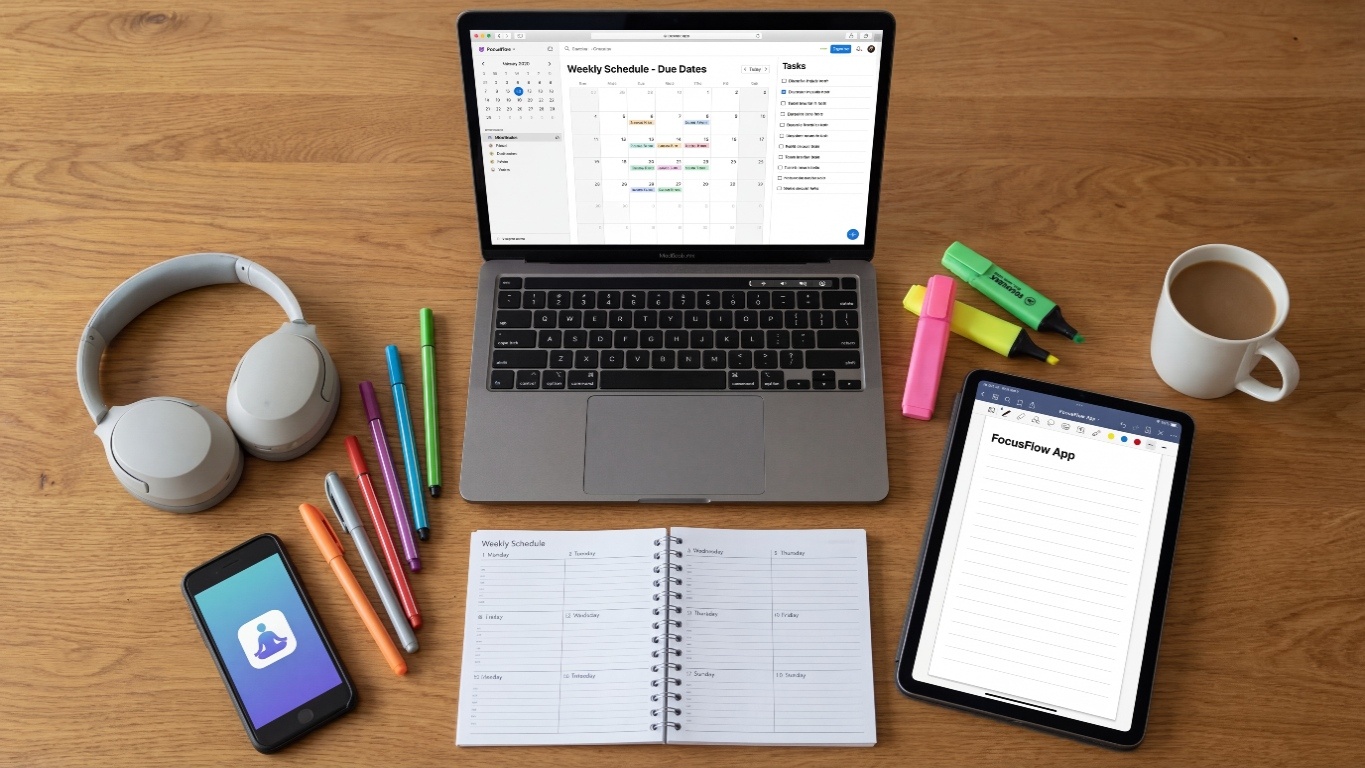
In today’s fast-paced academic world, students have more pressure than ever—assignments, online classes, deadlines, projects, exams, and extracurricular activities. Staying organized is no longer optional… it’s essential.
The good news?
There are dozens of apps and tools designed specifically to help students manage time, study smarter, reduce stress, and boost productivity.
This blog covers the best tools and apps students can use to stay organized, focused, and ahead in their studies.
Using the right tools helps students:
Let’s explore the most essential categories and apps every student should try.
Perfect for scheduling classes, exams, reminders, and deadlines.
Why students love it:
A simple but powerful task manager.
Features:
Great for students who need a clean, distraction-free planning tool.
Benefits:
The most complete productivity app for students.
Use it for:
It’s customizable and perfect for both school and college students.
A classic note-taking tool with powerful organization features.
Highlights:
Great for students who prefer handwritten or illustrated notes.
Perfect for diagrams, math formulas, and science subjects.
A fun app that helps students stay away from their phones.
How it works:
Plant a tree → Stay focused → Tree grows
Stop focusing → Tree dies
Great for Pomodoro study sessions.
Blocks distracting websites like YouTube, Instagram, or gaming sites during study time.
Combines Pomodoro Timer + Task List in one place.
Perfect for revision and memorizing important concepts.
Features:
Helps improve writing quality for school assignments and projects.
It checks:
Great for solving math problems, translating text, and identifying objects by scanning them.
Best for students struggling with maths.
Just scan the problem → Get step-by-step solutions.
A must-have for students.
Why?
A great alternative for file storage with advanced sharing features.
Perfect for students using laptops with Windows.
Ideal for online study sessions and group project discussions.
Allows students to collaborate in real time.
Helps organize group chats, tasks, and files for college team projects.
Helps students reduce exam stress through guided meditation.
Perfect for improving focus and mental clarity.
Build healthy study habits and break bad ones.
Tracks classes, assignments, exams, and deadlines.
Free learning app for academic subjects, competitive exams, and skill development.
🏆 How to Choose the Best Tools for You
Choose tools that match your study style:
| Study Style | Best Tools |
|---|---|
| Visual learner | Notion, OneNote, Quizlet |
| Easily distracted | Forest, StayFocusd |
| Group study | Google Meet, Docs, Slack |
| Heavy note-taking | Evernote, Notebook |
| Time management issues | Google Calendar, Todoist |
Here are simple habits that boost productivity:
Staying organized doesn’t have to be difficult.
With the right apps, students can:
Try a few tools from this list and see what works best for you.
Remember—organization is not about doing more…
it’s about managing your time wisely.